
How to Investigate an Unfamiliar Machine Identity

CINQUE by Loom Security
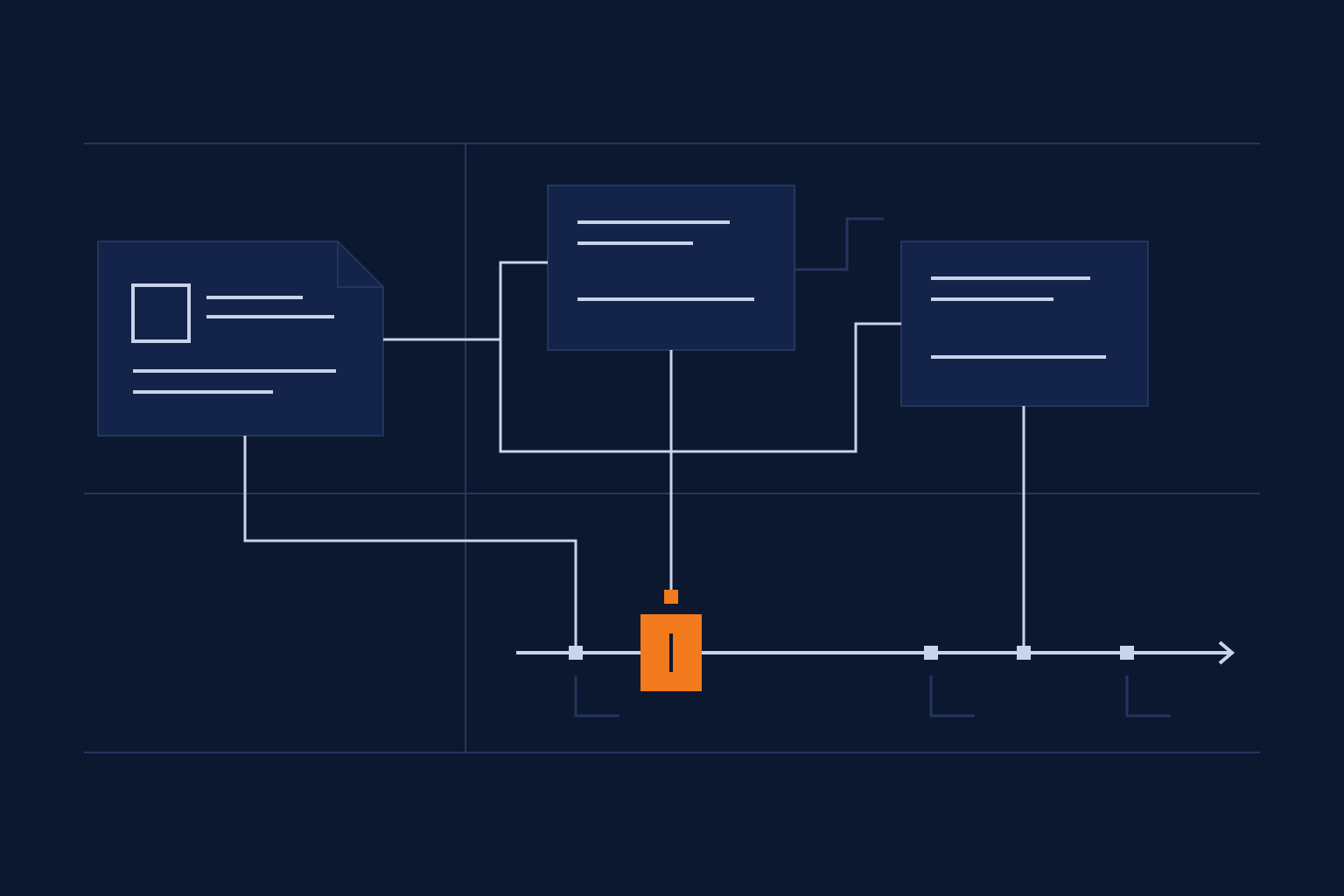
An unfamiliar machine identity needs an evidence trail before your team can decide what to do with it. Start by connecting the account to its owner, authentication record, activity, and business purpose.
You open an alert. An application name appears, followed by a resource and an address. The name means little to you. You need to know whether this belongs to a scheduled job, a recently deployed integration, an AI agent, or something your team never approved.
That first investigation should produce a record another analyst can follow. Here’s a practical way to build one without treating a new name as proof of malicious activity.
What should you establish first?
Write down the question that triggered the investigation. Perhaps an account reached an unfamiliar resource. Perhaps its activity changed. Keep that observation separate from your explanation of it.
“This identity accessed a new application” describes an observation. “Someone compromised our automation” is a conclusion that needs more evidence. Keeping those apart gives the next analyst room to test your explanation.
Record the identity’s stable identifier, the relevant environment, and the investigation window. Preserve the original event references. Display names are useful for conversation, but a name alone is a weak basis for joining records from different systems.
Then ask what you still need to learn. A short list makes the investigation manageable: who owns it, how it authenticated, which workload used it, and what happened afterward.
Who can explain why this identity exists?
Look for the application owner, the technical contact, and the change or deployment record. Those people and records can help explain intended use. Treat an owner’s explanation as something to check against activity.
Microsoft’s service-account governance guidance recommends documenting ownership, purpose, permissions, linked resources, review periods, and lifetime. It also recommends monitoring usage and reviewing permissions. That gives you a useful starting record for an unfamiliar service account.
For the investigation, add a simple question: what evidence would make the owner recognize this activity? A job schedule, an approved deployment, or a documented integration may help. Record the answer and the evidence supporting it.
If nobody can explain the account, record that ownership gap. Avoid assigning certainty to a guess simply because the ticket needs an assignee.
Which authentication record belongs to this activity?
Choose the log source that matches the identity. Microsoft documents service-principal sign-ins separately from user sign-ins. These events can involve an application authenticating with a certificate or application secret. Managed-identity sign-ins have their own log.
Microsoft also notes that matching service-principal sign-ins can be grouped into one row. Expand the row when you need individual events and timestamps. A summary view can be useful, but your investigation may need the underlying sequence.
Capture the authentication result, relevant resource, identity identifier, and available origin details. Check the time zone before comparing records. Note which details the source actually provides and which remain unavailable.
Authentication tells you about an access attempt. Keep investigating the work performed with that access.
How do you connect the activity across systems?
Work through Identity, Device, Network, Application, and Data as investigation questions. Which identity acted? What execution environment was involved? How did it connect? Which application received the request? What data operation followed?
For a cloud workload, the execution environment may be a hosted service rather than a laptop. Record the context you can verify. Don’t force every workload into a device model designed for employees.
Microsoft describes linkable identifiers for identity investigations, including identity, session, and token identifiers. Where supported, these can help connect authentication records with workload activity. Availability and interpretation depend on the event and log source; check the applicable fields before joining them.
Start with the strongest shared identifier available. Then check the resource, timing, and surrounding events. If you only have a shared address and a similar timestamp, describe the connection as a hypothesis. Preserve missing links in your record.
What would change your explanation?
Consider this illustrative scenario. A reporting integration starts using a credential your team hasn’t seen before and reads a dataset. The application owner says a deployment changed the authentication method.
You check the deployment record, the credential-change event, and the workload activity. If the records align with the approved change, that supports the owner’s explanation. If the identity also reaches an unrelated resource, you have another question to investigate.
The unfamiliar credential alone doesn’t establish the outcome. The useful work is checking competing explanations and recording what each piece of evidence supports.
Before changing access, involve the accountable team and follow your incident-response and change processes. Record the decision, the evidence behind it, and any remaining uncertainty. That makes the handoff useful even when another team owns the response.
Where does CINQUE fit?
CINQUE sits above the existing security stack and replaces no tools. Its public platform description explains how it correlates signals and builds behavioral personas across the five control points.
Its Activity Map shows cross-control-point activity against a baseline. That context supports the investigation described here. It doesn’t establish intent on its own.
For teams working on identity governance, the aim is to connect access decisions with observed behavior. CINQUE performs no enforcement. Your team and its existing systems remain responsible for access changes and response decisions.
Frequently asked questions
Does an unfamiliar machine identity mean there’s an attack?
No. Treat unfamiliarity as a reason to investigate. Check the identity, owner, approved changes, and observed activity before deciding what the evidence supports.
Can a sign-in log show everything the identity did?
No. A sign-in record addresses authentication. Review the relevant application and resource logs to investigate subsequent activity, using supported identifiers to connect records.
What should an investigation handoff contain?
Include the identity identifier, time window, owner, source-event references, observed actions, tested explanations, and unresolved gaps. Name the team responsible for the next decision.
Bring one identity your team struggles to explain. Book a Discovery Workshop to explore how observed activity can support your security decisions.